본 글은 한국어로 작성되었으며, 글 하단에서 영문 번역본을 확인하실 수 있습니다. (Scroll down to the bottom for the English version of this post.)
빠르게 사라지는 오프라인 은행 창구 속에서 디지털 시니어가 스스로 자산을 관리하는 모바일 뱅킹 활용 전략은 선택이 아닌 생존의 필수 과제가 되었습니다. 스마트폰 하나로 계좌를 조회하고 송금하며 자산을 불려 나가는 노년층을 위한 실질적인 디지털 금융 가이드를 단계별로 제시합니다.
은행 창구가 사라진 시대, 스마트한 모바일 뱅킹 활용 전략 3가지
과거에는 통장을 들고 은행 창구를 찾아 대기표를 뽑는 것이 당연한 일상이었습니다. 하지만 비대면 금융 시대가 도래하며 이제는 안방에서 모든 금융 업무를 처리해야 하는 환경이 조성되었습니다. 디지털 소외를 극복하고 스마트하게 내 자산을 지키고 키우는 모바일 뱅킹 활용 전략 세 가지를 소개합니다.
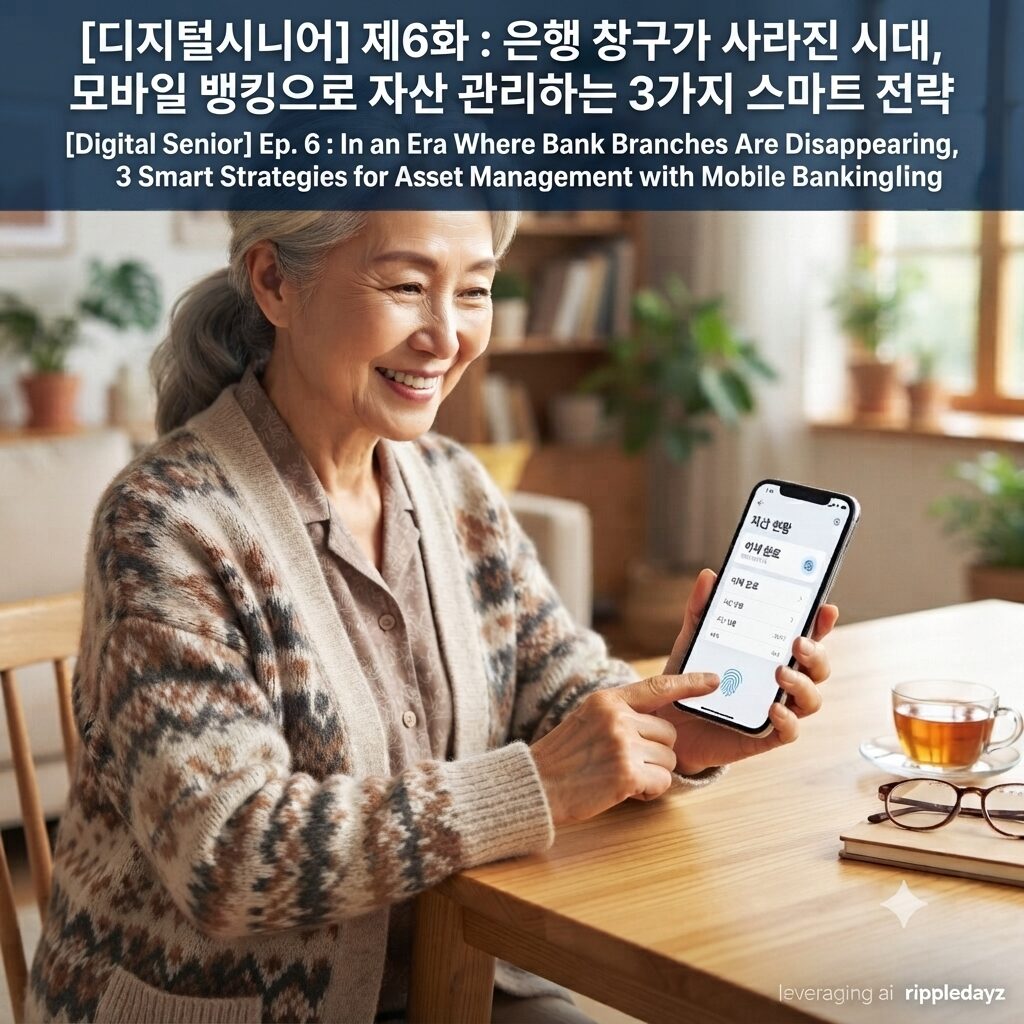
- 1단계: 간편인증 및 생체인증으로 복잡한 암호 탈피하기 모바일 뱅킹의 가장 큰 장벽은 복잡한 공인인증서와 암호였습니다. 이제는 지문이나 얼굴 인식과 같은 생체인증 기능을 적극 활용해야 합니다. 금융 앱 설정 메뉴에서 ‘생체인증 로그인’을 활성화하면 매번 암호를 입력할 필요가 없습니다. 이는 보안은 높이면서도 사용자의 편의성을 극대화하는 가장 효율적인 시작점입니다.
- 2단계: ‘큰 글씨 모드’와 ‘시니어 모드’ 적극 활용하기 많은 시니어 분들이 작은 글씨 때문에 모바일 뱅킹 사용을 어려워합니다. 최근 주요 은행 앱은 화면 구성이 단순하고 글씨가 큰 ‘시니어 모드’를 별도로 제공합니다. 앱 내 설정 메뉴에서 ‘간편 모드’ 혹은 ‘큰 글씨 모드’를 전환하면 훨씬 쾌적한 환경에서 자산 조회가 가능합니다. 복잡한 메뉴를 뒤질 필요 없이 자주 쓰는 기능만 배치된 화면으로 심리적 부담을 낮춰야 합니다.
- 3단계: 자동이체와 알림 서비스로 고정 자산 관리하기 불필요한 연체료를 방지하고 체계적으로 자산을 관리하려면 자동화 서비스가 필수입니다. 공과금이나 보험료는 반드시 자동이체를 설정하여 놓치는 항목이 없도록 해야 합니다. 또한, 입출금 내역이 실시간으로 확인되는 ‘푸시(Push) 알림’ 설정을 통해 금융 사고를 즉시 예방할 수 있습니다. 스마트폰이 나의 개인 비서가 되어 자산의 흐름을 상시 감시하도록 만드는 것이 핵심입니다.
디지털 금융 환경에서의 안전을 위한 3분 체크리스트
모바일 뱅킹을 안전하게 사용하기 위해 지금 바로 스마트폰을 확인해 보시기 바랍니다. 다음의 세 가지 항목을 점검하는 것만으로도 금융 사고의 90%를 예방할 수 있습니다.
- 보안 카드 번호 절대 입력 금지: 은행은 절대 메신저로 보안 카드 번호 전체를 요구하지 않습니다.
- 공용 와이파이 접속 피하기: 금융 앱은 데이터 요금을 사용하거나 안전한 집 와이파이에서만 접속하십시오.
- 비밀번호 정기 변경 및 2단계 인증: 주기적으로 비밀번호를 교체하고, 휴대폰 번호 인증을 포함한 2단계 인증을 반드시 설정하십시오.
ripple point
모바일 뱅킹은 단순한 기술적 수단이 아니라, 사라지는 오프라인 은행 속에서 시니어가 자신의 자산 주권을 스스로 지켜내는 가장 강력한 디지털 도구이다.
제5화 : 카톡 프사부터 이모티콘까지, 시니어만의 독특하고 따뜻한 ‘디지털 소통 문법’ 3가지
해시태그
#모바일뱅킹 #시니어금융 #비대면금융 #디지털뱅킹 #노년층자산관리 #시니어스마트금융 #은행창구축소 #간편송금 #디지털금융소외 #시니어재테크 #금융앱사용법 #모바일금융교육 #토스사용법 #카카오뱅크시니어 #금융보안 #디지털에이징 #스마트금융 #노후자산관리 #모바일뱅킹혜택 #고령친화금융
English Version Available Below
Ep. 6 : In an Era Where Bank Branches Are Disappearing, 3 Smart Strategies for Asset Management with Mobile Banking
In an era where offline bank branches are rapidly disappearing, strategies for digital seniors to manage their own assets using mobile banking have become not just a choice, but a necessity for survival. We provide a step-by-step practical digital finance guide for the elderly to inquire about accounts, transfer money, and grow their assets with just a smartphone.
3 Smart Strategies for Mobile Banking in an Era Where Bank Branches Are Disappearing
In the past, it was a natural daily routine to take a bankbook to a bank branch and pick up a waiting ticket. However, with the arrival of the non-face-to-face financial era, an environment has been created where all financial tasks must now be handled from home. We introduce three strategies for mobile banking that overcome digital alienation and smarty protect and grow your assets.
- Step 1: Escape from complex passwords with simple and biometric authentication The biggest barrier to mobile banking was complex public certificates and passwords. Now, you should actively utilize biometric authentication functions such as fingerprint or facial recognition. If you activate ‘biometric login’ in the financial app settings menu, you do not need to enter a password every time. This is the most efficient starting point that maximizes user convenience while maintaining security.
- Step 2: Actively utilize ‘Large Font Mode’ and ‘Senior Mode’ Many seniors find it difficult to use mobile banking because of small print. Recently, major bank apps provide a separate ‘Senior Mode’ with simple screen composition and large fonts. If you switch to ‘Simple Mode’ or ‘Large Font Mode’ in the app’s settings menu, you can check your assets in a much more pleasant environment. You must lower psychological burdens with a screen that only arranges frequently used functions without having to dig through complex menus.
- Step 3: Manage fixed assets with automatic transfers and notification services Automation services are essential to prevent unnecessary late fees and manage assets systematically. You must set up automatic transfers for utility bills or insurance premiums to ensure that no items are missed. Also, you can prevent financial accidents immediately through ‘Push notification’ settings that allow real-time checking of deposit and withdrawal details. The key is to make your smartphone your personal assistant that constantly monitors the flow of your assets.
3-Minute Checklist for Safety in the Digital Financial Environment
To use mobile banking safely, please check your smartphone right now. Checking the following three items alone can prevent 90% of financial accidents.
- Never enter the full security card number: Banks never ask for the full security card number via messenger.
- Avoid connecting to public Wi-Fi: Only access financial apps using mobile data or your home Wi-Fi.
- Regular password changes and 2-step verification: Change your password periodically and make sure to set up 2-step verification, including mobile phone number authentication.
ripple point
Mobile banking is not just a technical means, but the most powerful digital tool for seniors to protect their own asset sovereignty in the midst of disappearing offline banks.
Ep. 5 : From Profile Pictures to Emojis, 3 Unique and Warm ‘Digital Communication Grammars’ of Seniors
Hashtag
#MobileBanking #SeniorFinance #NonFaceToFaceFinance #DigitalBanking #ElderlyAssetManagement #SeniorSmartFinance #BankBranchReduction #SimpleTransfer #DigitalFinancialAlienation #SeniorFinancialTech #HowToUseFinancialApps #MobileFinancialEducation #HowToUseToss #KakaoBankSenior #FinancialSecurity #DigitalAging #SmartFinance #RetirementAssetManagement #MobileBankingBenefits #AgeFriendlyFinance