본 글은 한국어로 작성되었으며, 글 하단에서 영문 번역본을 확인하실 수 있습니다.
(Scroll down to the bottom for the English version of this post.)

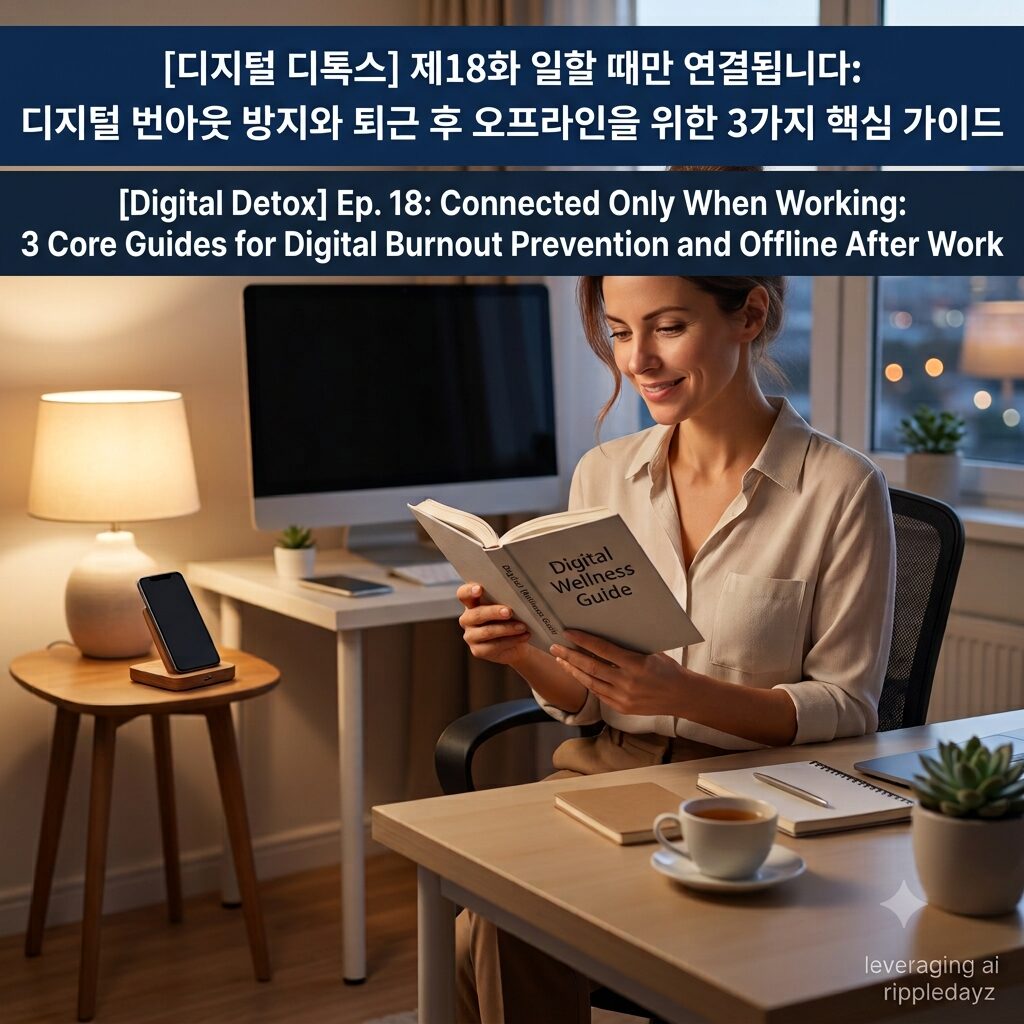
퇴근 후에도 끊임없이 울리는 업무 메신저 지옥으로 인해 심각한 디지털 번아웃 방지 실패와 직장인 스트레스를 호소하는 현대인이 급증하고 있습니다. 스마트폰 의존도가 높아질수록 퇴근 후 오프라인 상태를 유지하지 못하고 만성적인 과각성 상태에 놓여 전두엽 회복 능력이 저하되는 스마트폰 부작용을 겪습니다. 본 가이드에서는 24시간 연결 사회가 초래한 정신적 피로를 진단하고, 디지털 디톡스를 통해 연결되지 않을 권리를 확보하는 3가지 구체적인 해결 방안을 제시합니다.
24시간 대기 상태인 직장인의 뇌, 왜 공과 사의 디지털 거리두기가 필요한가
과거에는 회사를 나서는 순간 업무와 물리적으로 단절될 수 있었으나, 스마트폰의 보편화 이후 현대 직장인들은 퇴근 후 카톡 금지가 실현되지 않는 삶을 살아갑니다. 이러한 지속적인 연결은 뇌 과학적으로 심각한 인지적 과부하를 일으키며, 정서적 안정을 방해하고 만성적인 디지털 번아웃을 유발하는 핵심 불면증 원인이 됩니다. 업무 메신저의 알림 소리나 진동은 뇌에 긴급 상황이라는 신호를 인위적으로 주입하여 스트레스 호르몬인 코르티솔 분비를 비정상적으로 촉진합니다. 뇌가 집이라는 휴식 공간을 ‘언제든 다시 업무에 복귀해야 하는 대기실’로 인지하기 시작하면, 신체는 스크린 타임을 소모하며 지속적인 감정 노동 상태에 머물게 됩니다. 이러한 미디어 중독과 긴장 상태는 깊은 수면을 방해하고 월요일 출근 후 심각한 집중력 저하와 주의집중 장애를 초래하는 현대인 고질병으로 발현됩니다. 스마트폰 부작용으로 무너진 멘탈 경계선을 되살리고 생리적인 뇌 휴식을 확보하기 위해서는 퇴근 후 오프라인 환경을 시스템적으로 구축하는 강력한 결단이 요구됩니다. 의지만으로 회사 연락을 외면하기는 현실적으로 어렵기 때문에 기기 자체를 제어하고 규칙을 명문화하는 스마트폰 중독 해결방안이 반드시 수반되어야 합니다. 지금부터 일상에서 즉시 적용할 수 있는 공과 사의 디지털 거리두기 방법과 시간 관리를 돕는 단계별 행동 수칙 3가지를 구체적으로 알아보겠습니다.
디지털 번아웃을 방지하고 업무 경계선을 세우는 행동 수칙 3가지
1단계: 환경의 분리, ‘업무용 메신저 알림을 퇴근 시간 이후 자동으로 차단되도록 예약 설정하기’
퇴근 후 오프라인 상태를 확보하는 가장 완벽한 첫걸음은 내 의지력에 의존하는 것이 아니라 스마트폰 알림 설정 기능을 시스템적으로 활용하는 것입니다. 슬랙, 잔디, 카카오톡 등 업무에 사용하는 메신저 앱의 설정 메뉴에 진입하여 저녁 6시 이후 혹은 주말 동안 알림이 울리지 않도록 방해금지 시간대를 예약하십시오. 단순히 진동으로 바꾸는 것에 그치지 않고 화면에 배지가 표시되거나 팝업이 뜨는 시각적 자극까지 완벽히 차단하여 뇌로 가해지는 자극을 원천 봉쇄해야 합니다. 내가 스스로 연결의 온오프 템포를 조절하는 구조로 전환하면 무의식적인 업무 확인 횟수를 획기적으로 줄여 온전한 뇌 휴식 시간을 확보할 수 있습니다.
2단계: 기기의 격리, ‘업무 전용 세컨폰을 도입하고 퇴근과 동시에 거실 충전 스테이션에 봉인하기’
공적인 연락과 사적인 소통이 스마트폰 한 대에 섞여 있는 환경은 직장인 스트레스를 극대화하고 스마트폰 의존도를 낮추는 데 전혀 도움이 되지 않습니다. 가능하다면 업무 전용 세컨폰이나 이원화된 계정을 도입하여 퇴근 동선과 동시에 업무용 기기의 전원을 끄거나 침실 밖 거실에 완전히 격리하십시오. 내 돈 주고 산 스마트폰을 감옥에 가두듯 물리적 장벽을 세워두면 뇌는 더 이상 업무 피드백에 대한 인지적 대기 압박을 느끼지 않고 빠르게 이완됩니다. 물리적으로 멀어지면 뇌는 스마트폰 중독 상태에서 벗어나 능동적으로 살아 움직이는 감각을 되찾게 되며 전두엽 회복과 정서적 안정에 결정적인 기여를 합니다.
3단계: 심리적 경계선 명문화, ‘상태 메시지 및 자동 응답 기능을 활용해 연결되지 않을 권리 공식화하기’
업무 메신저 지옥에서 멘탈을 지켜내기 위해서는 내가 현재 업무 시간 외에는 오프라인 상태임을 동료와 클라이언트에게 부드럽고 명확하게 인지시켜야 합니다. 메신저의 상태 메시지에 “퇴근 후에는 메시지 확인이 어렵습니다” 또는 “업무 시간 외에는 연결이 제한됩니다”라는 문구를 명문화하여 설정해 두십시오. 필요하다면 메일이나 메신저의 예약 발송 기능 및 자동 응답 시스템을 활용해 내 업무 템포를 스스로 주도하고 조절하는 디지털 웰니스를 실천해야 합니다. 연결되지 않을 권리를 공식화하는 폰 다이어트 습관은 도파민 역치를 낮추어 퇴근 후 카톡 금지를 유도하고 일상의 시간 관리를 주도하게 만드는 강력한 발판이 됩니다.
성공적인 직장인 디지털 디톡스를 위한 ‘3분 체크리스트’
하루의 마무리에 아래 체크리스트를 확인하며 오늘 하루 얼마나 디지털 디톡스를 잘 실천했는지 점검해 보십시오.
- 퇴근 시간 이후나 주말 동안 업무용 메신저 앱의 푸시 알림이 울리지 않도록 시스템 예약 설정을 완료했는가?
- 회사를 나서는 순간 업무와 관련된 전자기기나 서류를 시야에서 치우고 공과 사의 물리적 거리를 완벽히 두었는가?
- 업무 시간 외에 도착한 비긴급 메시지에 대해 즉각적으로 답장하려는 불안감과 강박적 행동을 의식적으로 절제했는가?
- 업무용 연락처와 개인용 소통 창구를 명확히 이원화하여 사적인 휴식 시간에 업무 요소가 침범하는 것을 방지했는가?
- 연결되지 않을 권리를 스스로 인정하고 퇴근 후 오프라인 공간에서 뇌에 아무런 정보도 주지 않는 온전한 뇌 휴식을 가졌는가?
ripple point
업무 메신저의 알림을 끄고 퇴근 후 오프라인 경계선을 세울 때, 직장인의 지친 뇌는 비로소 디지털 번아웃에서 벗어나 진짜 휴식을 시작합니다.
제17화 침실에는 스마트폰을 들이지 마세요: 아날로그 알람시계와 침실 규칙을 통한 3가지 숙면 가이드
Hashtag
#디지털번아웃방지 #퇴근후오프라인 #디지털디톡스 #스마트폰중독 #업무메신저지옥 #직장인스트레스 #연결되지않을권리 #퇴근후카톡금지 #뇌휴식 #집중력향상 #스크린타임 #스마트폰의존도 #현대인고질병 #디지털웰니스 #미디어중독 #스마트폰중독해결방안 #전두엽회복 #시간관리 #스마트폰부작용 #감정노동
English Version Available Below
Ep. 18: Connected Only When Working: 3 Core Guides for Digital Burnout Prevention and Offline After Work
An increasing number of modern individuals are suffering from failures in digital burnout prevention and severe corporate stress due to the endless work messenger hell that rings even after clocking out. As smartphone dependency intensifies, individuals fail to maintain an offline state after work, remaining in a chronic hyperarousal state that serves as a smartphone side effect degrading prefrontal cortex recovery. In this guide, we diagnose the mental fatigue caused by a 24/7 connected society and present three specific solutions to secure the right to disconnect through digital detox.
The 24-Hour Standby Brain of Employees: Why Is Digital Distancing Between Work and Life Necessary?
In the past, the moment you stepped out of the office, you could physically disconnect from work, but since the ubiquity of smartphones, modern employees live lives where banning text messages after work is never realized. This continuous connectivity scientifically causes severe cognitive overload in the brain, serving as a core cause of insomnia that hinders emotional stability and drives chronic digital burnout. Notification sounds or vibrations from work messengers artificially inject an emergency signal into the brain, abnormally promoting the secretion of cortisol, a stress hormone. Once the brain starts perceiving the home—a space for relaxation—not as a sanctuary but as a “standby room where one must return to work at any moment,” the body remains in a continuous state of emotional labor while consuming screen time. This prolonged media addiction and state of tension manifest as a common modern ailment, disrupting deep sleep and triggering severe concentration drops and attention deficit disorders after returning to work on Monday. To restore the mental boundaries ruined by smartphone side effects and secure physiological brain rest, a powerful decision to systematically construct an offline environment after work is required. Since ignoring company contacts by willpower alone is realistically difficult, a smartphone holiday solution must be accompanied by controlling the device itself and formalizing rules. Below, we will examine in detail three step-by-step action rules to assist with time management and practice digital distancing methods between work and life that can be immediately applied to daily life.
3 Action Steps to Prevent Digital Burnout and Establish Work Boundaries
Step 1: Separation of Environment, ‘Schedule Work Messenger Notifications to Automatically Block After Waking Hours’
The most perfect first step to secure an offline state after work is not to rely on your willpower, but to systematically utilize the smartphone notification configuration features. Enter the settings menu of messenger apps used for work, such as Slack, Jandi, or KakaoTalk, and schedule a Do Not Disturb timeframe so that notifications do not sound after 6 PM or during weekends. Do not stop at simply switching to vibration; you must completely block visual stimuli, such as badges appearing on the screen or pop-ups emerging, to fundamentally block the stimuli applied to the brain. Switching to a structure where you autonomously regulate the on/off tempo of connectivity drastically reduces the number of involuntary work checks, securing an intact brain rest time.
Step 2: Isolation of Devices, ‘Adopt a Dedicated Second Phone for Work and Seal It at the Living Room Charging Station Upon Clocking Out’
An environment where public contacts and private communication are mixed within a single smartphone maximizes corporate stress and does not help lower smartphone dependency at all. If possible, adopt a dedicated second phone for work or dual accounts to completely turn off the power of work devices or isolate them in the living room outside the bedroom simultaneously with your clock-out routine. Imprisoning the smartphone you bought with your own money by establishing physical barriers allows the brain to quickly relax without feeling the cognitive standby pressure regarding work feedback anymore. Moving physically away allows the brain to escape from the state of smartphone addiction and regain actively living and moving senses, contributing decisively to prefrontal cortex recovery and emotional stability.
Step 3: Formalizing Psychological Boundaries, ‘Utilize Status Messages and Auto-Reply Features to Officialize the Right to Disconnect’
To protect your mentality in work messenger hell, you must smoothly and clearly make colleagues and clients aware that you are currently offline outside of working hours. Formalize and configure a phrase in your messenger status message, such as “It is difficult to check messages after clocking out” or “Connectivity is restricted outside of working hours.” If necessary, utilize the scheduled transmission features of emails or messengers and automated reply systems to practice digital wellness, autonomously leading and regulating your own work tempo. The phone diet habit of officializing the right to disconnect lowers the dopamine threshold, inducing a ban on text messages after work and serving as a powerful stepping stone to lead autonomous time management.
A 3-Minute Checklist for Successful Employee Digital Detox
At the end of the day, review the checklist below to check how well you have practiced digital detox today. Did you complete the system scheduling configuration so that push notifications for work messenger apps do not sound after clocking out or during weekends? The moment you left the company, did you clear electronic devices or documents related to work from sight to place a perfect physical distance between work and life? Did you consciously restrain yourself from anxious and compulsive behaviors to reply immediately to non-urgent messages that arrived outside of working hours? Did you clearly dualize work contacts and private communication channels to prevent work elements from invading your private relaxation time? Did you recognize the right to disconnect on your own and have an intact brain rest time where you gave no information to your brain in an offline space after work?
ripple point
When you turn off the notifications of work messengers and establish an offline boundary after work, the exhausted brain of an employee finally escapes digital burnout to begin true relaxation.
Ep. 17: Do Not Bring Smartphones into the Bedroom: 3 Sleep Guides via Analog Alarm Clocks and Bedroom Rules
Hashtag
#digitalburnoutprevention #offlineafterwork #digitaldetox #smartphoneaddiction #workmessengerhell #corporatestress #righttodisconnect #notextafterwork #brainrest #concentrationimprovement #screentime #smartphonedependency #modernailment #digitalwellness #mediaaddiction #smartphoneaddictionsolution #prefrontalcortexrecovery #timemanagement #smartphonesideeffects #emotionallabor